
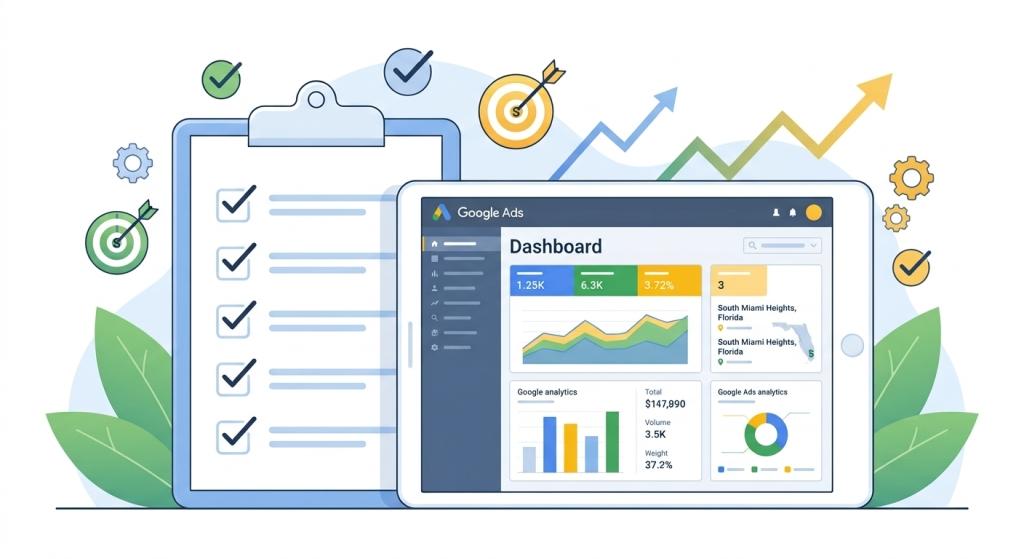
Imagine walking into a massive online shopping mall with thousands of stores, colorful display windows, and millions of products waiting on digital shelves. When a customer walks down the hallway searching for a specific toy, pair of shoes, or kitchen gadget, how do you make sure your store stand out right at the top of the row? That is where google shopping optimization comes to save the day!
Unlike regular text ads that only show words on a page, Google Shopping ads show shoppers real pictures of your products, clear price tags, and your business name before they even click on your website. But simply uploading your store products to Google is not enough to win sales. To beat your competitors and stop wasting your ad budget, you need a smart, step-by-step approach to fine-tune every single item you sell.
Just like organizing a real store so every shelf is neat, clean, and easy to read, google shopping optimization makes sure your product pictures look exciting, your titles use the exact words shoppers type, and your prices remain competitive enough to convert window shoppers into paying customers.
What Is Google Shopping Optimization?
Google shopping optimization is the careful process of improving your digital store catalog (known as your product feed) so Google can match your items with the right online shoppers. Instead of picking target keywords manually like traditional search ads, Google’s computer algorithms read your product details to decide when and where to display your product pictures.
If your product details are messy, incomplete, or confusing, Google will not know when to show your products to customers. That means you lose out on sales to rival stores. By applying regular google shopping optimization techniques, you provide clear, accurate data that helps Google put your products right in front of eager buyers who are ready to order.
Your Essential Google Shopping Checklist
To run a successful shopping campaign without feeling overwhelmed, it helps to break your daily and weekly store tasks down into clear categories. Here is a handy breakdown of the core elements that every online seller must review:
| Optimization Step | What You Are Improving | Why It Helps Your Online Store |
|---|---|---|
| Product Title Polish | Adding brand name, color, size, and material to titles | Helps Google match your products with very specific shopper searches. |
| High-Quality Images | Using bright, clear pictures with plain white backgrounds | Attracts higher click rates from shoppers browsing through search results. |
| Negative Keyword Cleanup | Blocking bad search words that waste your budget | Stops you from paying for clicks from people searching for free items. |
| Custom Labeling | Grouping items by profit margins or top-sellers | Allows you to bid higher on items that make your store the most profit. |
| Feed Error Fixes | Resolving missing attributes in Google Merchant Center | Prevents Google from hiding or disapproving your product listings. |
Step 1: Build Winning Product Titles
The single most important part of google shopping optimization is writing incredible product titles. Because you do not bid directly on keyword phrases in Shopping campaigns, Google depends heavily on your product titles to understand what you are selling.
For example, if you sell a pair of running shoes, naming your product “Speedy Runner” is way too vague. Google will not know who needs that item! Instead, an optimized title looks like this: “Nike Men’s Revolution 6 Running Shoes – Breathable Mesh – Black – Size 10.”
By putting the brand name, style, main feature, color, and size right into the title, you give Google all the facts it needs. Shoppers who search for those exact details will see your listing immediately, leading to higher conversion rates and far fewer wasted ad clicks.
Step 2: Clean Up Unwanted Clicks with Negative Keywords
Even though you do not pick positive keywords for Shopping ads, you can still tell Google which search words to block! Reviewing your search terms report is a vital pillar of ongoing google shopping optimization.
If you sell brand-new stainless steel refrigerators, you never want to pay for clicks when someone types “used refrigerator repair,” “free fridge instructions,” or “toy plastic refrigerator.” Every time a person clicks your product ad while looking for free parts or repair advice, you get charged money without gaining a real sales customer!
Adding negative keywords like “free,” “cheap,” “used,” “repair,” or “rental” acts like a protective shield around your ad dollars, keeping your budget safe for buyers who genuinely want to purchase new products today.
Connecting Google Shopping to Your Overall Search Strategy
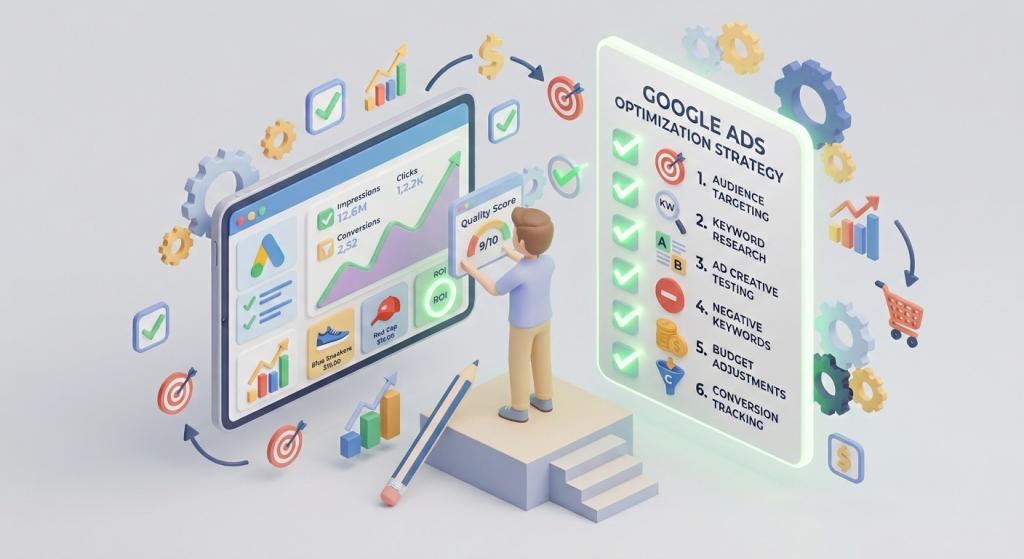
Running a successful online store requires more than just showing off your products in a digital catalog. To build a strong business that wins sales month after month, your shopping efforts should connect seamlessly with full search engine marketing for small business.
When you combine natural organic search listings, helpful blog posts, paid search ads, and visual shopping placements all at once, your company claims huge amounts of screen real estate. That double visibility makes shoppers trust your store faster, giving you a huge edge over your local and national competitors!
Why Busy Store Owners Need Expert PPC Support
Managing an online store takes a tremendous amount of hard work. Between shipping orders, packing boxes, taking care of customer questions, and ordering inventory, taking time to tune up hundreds of product feeds every week can quickly turn into a stressful hassle.
That is why partnering with experienced professionals who specialize in PPC Management For Small Business is one of the smartest investments a growing store can make. Dedicated managers monitor your daily bidding settings, fix Merchant Center warnings, and test new titles for you, freeing up your daily schedule so you can focus on building your brand.
Guide Visitors Back to Finish Checkout with Remarketing
Did you know that the vast majority of people who click on a Google Shopping ad leave the store website without buying anything on their first visit? People get distracted by text messages, phone calls, or simply pause to compare prices on other shopping channels.
Working with a trusted google remarketing agency ensures that those lost store visitors do not forget about the awesome items they saw on your site. Dynamic remarketing displays eye-catching image ads featuring the exact products visitors viewed earlier while they browse other news websites or watch online video channels, encouraging them to return and complete their checkout!
- Step One: Optimized Google Shopping ads capture the attention of high-intent buyers browsing online.
- Step Two: Clear titles and accurate pricing details persuade shoppers to click through to your web store.
- Step Three: Targeted remarketing ads remind past store visitors to finish buying their favorite items!
Step 3: Organize Products with Custom Labels and Bidding Rules
Not every product in your store makes you the exact same amount of money. Selling a $500 leather coat yields much higher profit margins than selling a $10 pair of socks! Why should you spend the exact same bid price to promote both items?
Through effective google shopping optimization, you can create custom labels inside your product feed to tag items as “Top Sellers,” “High Margin,” “Clearance,” or “Low Profit.”
Once your catalog is neatly organized with custom tags, you can raise your ad bids on high-margin winners that bring in large profits, while lowering your spend on low-margin items. This simple adjustments keeps your ad spend focused on your top profit-generating inventory!
To learn more about how search engines evaluate digital store content and keep retail data accurate across the web, check out the official guidelines on the Google Merchant Center Help Page.
Final Thoughts: Transform Your Shopping Feed into a Sales Machine
Running online ads without continuous maintenance is like opening a retail shop and never dusting the windows or restocking popular shelves. Over time, outdated information causes your sales to slow down while ad costs rise. By following a clear plan for google shopping optimization, you can fix broken product feeds, lower click costs, and transform your online catalog into an unstoppable revenue generator!