
Is your google ads not spending budget? It can be very frustrating! Imagine you built a beautiful lemonade stand. You have the best lemons and the coldest ice. You even have a big bag of money to pay for posters around town. But when you look outside, nobody is coming to your stand. Even worse, you see that your money for the posters hasn’t been touched!
When your Google Ads account stops spending, it is like your lemonade stand is invisible. Your Google Ads budget is the money you want to spend to show people your ads. If Google isn’t spending it, it means your ads aren’t showing up when people search for things.
This guide will help you find the “clogs” in your system. We will use simple words to explain why your ads might be stuck and how to fix them. Whether you are new to search engine marketing for small business or just trying to understand your own account, these tips will help you get moving again.
1. The “Stop Signs”: Why Google Might Be Pausing You
Sometimes, your ads stop because of a “Hard Stop.” This is like a red light that stays red until you fix a problem. These are usually account-level issues that stop every single ad you have at the same time.
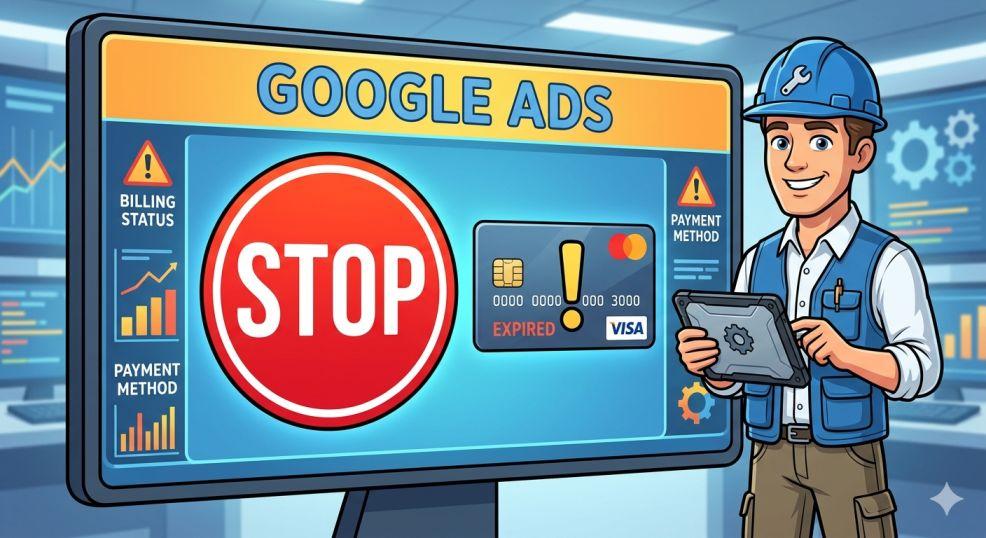
Check Your Money (Billing)
Google needs to know they will get paid. If your credit card expired or was declined, Google will stop your ads immediately. It is like trying to buy a toy but finding out your piggy bank is empty.
- What to do: Go to the “Settings” and then “Billing” menu. Look for any red or yellow banners. If your card is old, put in a new one! Also, if you use a “prepaid” account (where you put money in first), make sure it isn’t at zero.
Identity Check: “Who Are You?”
In 2025 and 2026, Google is very strict about knowing who is running ads. They might ask you to prove who you are by showing a business license or an ID. They usually give you a 30-day warning.
- The Danger: If you miss that 30-day deadline, Google will pause your account until you finish the paperwork. It is like needing a library card before you can check out books.
The “Time-Out” (Suspensions)
Google uses smart “computer brains” (AI) to look for bad guys. Sometimes, they accidentally put good people in “time-out” by suspending their accounts. In 2024 alone, Google suspended nearly 40 million accounts!.
- What to do: If you see a message saying your account is suspended, don’t panic. You can send an appeal to Google. Most of the time, they fix it within 24 hours if you didn’t do anything wrong.
2. The Great Auction: Are You High Enough to Win?
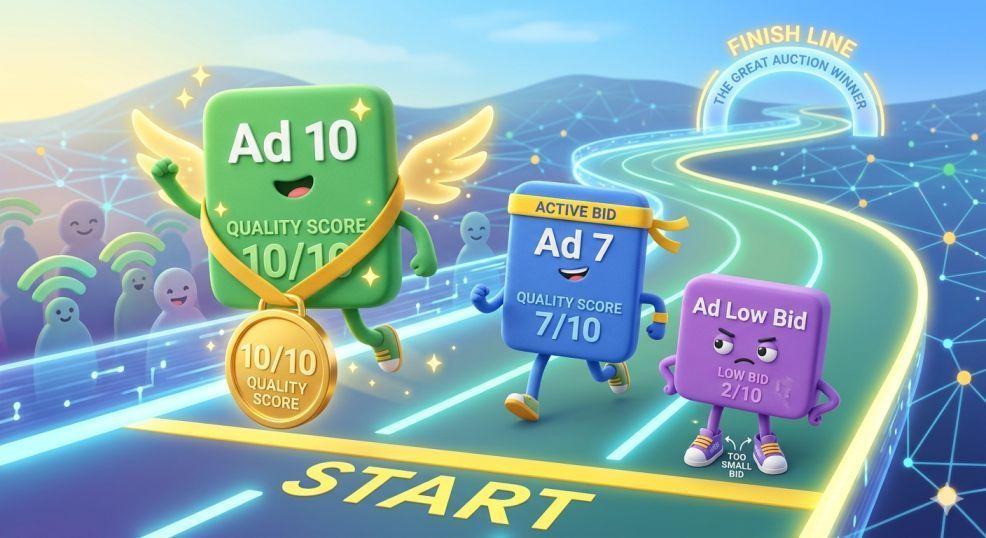
Every time someone searches on Google, there is a tiny, super-fast contest called an “Auction”. Google looks at all the ads and picks the winners to show on the screen. If your google ads not spending budget, you might be losing these contests.
Your Bid is Too Low
Think of the auction like a real auction. If everyone is offering $5 to show their ad, but you only offer $1, you won’t win. Google won’t spend your money because they can’t find a spot for you at that price.
- The Fix: Try raising your bids a little bit. Even a small increase can help you get back into the game.
Your Quality Score
Google doesn’t just care about money; they care about being helpful. They give your ad a “Quality Score” from 1 to 10. If your ad is boring or your website is slow, you get a low score. A low score makes it much harder to win the auction, even if you have a big google ads budget.
- How to improve: Make sure your ad matches what people are searching for. If someone searches for “blue shoes,” your ad should talk about blue shoes, not red ones!.
3. Robot Brains and the “Learning Phase”
Many people use “Smart Bidding.” This is when you let Google’s computers decide how much to bid for you. But even robots need to learn!
The Learning Phase
When you start a new campaign or change a big setting, Google enters the “Learning Phase”. This usually lasts 7 to 14 days. During this time, the robot is testing things out, so it might not spend much money yet.
- The Golden Rule: Do not touch anything during this time! If you keep changing things, the robot has to start over from the beginning every time.
Being Too Picky (Targeting Goals)
If you tell the robot, “Only show my ad if you are 100% sure I will make $100,” the robot might get scared to spend any money. If your goals are too strict, Google will stop showing your ads because it can’t find “perfect” customers.
- The Fix: Loosen your goals. If you use a “Target CPA” (how much you want to pay for a lead), try making that number higher to give the robot more room to breathe.
4. Where and Who: Is Your Net Too Small?
Imagine you are fishing in a giant ocean, but your net is only the size of a cereal bowl. You won’t catch many fish! This is what happens when your targeting is too narrow.
Location and Time
If you only show your ads to people in one tiny neighborhood between 2:00 PM and 3:00 PM on Tuesdays, you won’t spend your minimum budget. There just aren’t enough people searching in that tiny window!
- What to do: Try adding more cities or letting your ads run for more hours during the day.
Match Types (Keywords)
Google has different ways to match your keywords. “Exact Match” is the most strict. If you only use Exact Match, Google will only show your ad if someone types the perfect words.
- The Fix: Try using “Broad Match” or “Phrase Match.” This lets Google show your ad for similar searches, which helps you reach more people.
Negative Keyword Conflicts
Negative keywords tell Google, “Don’t show my ad for these words.” For example, if you sell “new cars,” you might add “used” as a negative keyword. But sometimes, people accidentally block their own ads!.
- Example: If you block the word “free,” but someone searches for “free shipping on new cars,” your ad might not show even though you want it to!.
5. Recent Changes: The “Double Serving” Rule
In April 2025, Google changed a big rule called “Double Serving”. In the past, one business could only have one ad on the page. Now, a business can show up at the top and the bottom of the same page.
Why does this matter if your google ads not spending budget? It means big companies with lots of money can now take up two spots instead of one. This makes the “auction” much more crowded. If you aren’t bidding enough, these “double ads” from big competitors might push you off the page completely!.
6. The “Ad Strength” Secret
Google looks at how many headlines and pictures you give them. They give your ad a grade: Poor, Average, Good, or Excellent.
- Does it matter? Some experts say “Poor” ads can still work, but Google usually likes “Excellent” ads better. Ads with an “Excellent” grade often get more “impressions” (views) because Google feels more confident showing them.
- What to do: Fill out all 15 headlines and 4 descriptions that Google allows. Use different words in each one!.
Your “Fix-It” Checklist
If your ads aren’t spending, follow these steps in order:
- Check for Red Banners: Look at the top of your screen. If Google is mad about billing or ID checks, they will tell you there.
- Use the Ad Preview Tool: This is a special tool inside Google Ads that lets you “pretend” to search. It will tell you exactly why your ad isn’t showing. You can find a guide for this on the official Google Ads Help Center.
- Check Your Bids: If you haven’t had a single view in three days, try doubling your bids for a day or two just to “wake up” the system.
- Check for “Disapproved” Ads: Sometimes Google doesn’t like a word you used or your website link is broken. Go to the “Ads” tab and look at the “Status” column.
- Look at the Date: Make sure your calendar in the top corner includes “Today.” It sounds silly, but many people look at yesterday’s data by mistake!.
Managing an account can be hard work. If you find it too confusing, you might look into our ppc service to have an expert handle the “robot brains” for you.
Conclusion
When your google ads not spending budget, there is always a reason. It is usually a “Stop Sign” like a billing error, or a “Competing” issue like a bid that is too low. By checking your account health, opening up your targeting, and making your ads high quality, you can get your limited budget spending again.
Don’t forget to be patient with the “Learning Phase” and always keep an eye on your Quality Score. Soon, your “lemonade stand” will have plenty of customers again!