
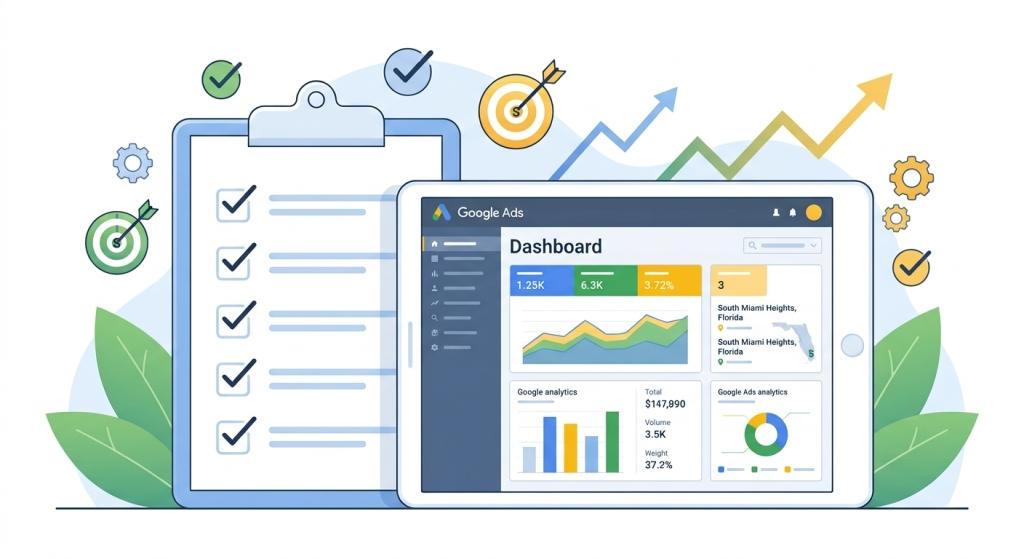
Imagine opening a brand-new lemonade stand on a sunny summer afternoon. You buy fresh lemons, sugar, ice, and bright paper cups. But instead of putting your sign on a busy sidewalk where thirsty kids and parents are walking by, you put it on a quiet back road where nobody ever drives. You would spend all your money on ingredients, but hardly anyone would buy your lemonade!
Running online advertising without a plan feels a lot like putting your sign on that empty road. Many business owners launch online ad campaigns with big excitement, only to watch their budget disappear without bringing in new sales. That is where a step-by-step google ads optimization checklist comes to the rescue!
Just like a pilot uses a flight control list before taking off into the sky, using a standard google ads optimization checklist ensures your account is tuned up, healthy, and ready to get the best possible results for every single dollar you spend.
What Is a Google Ads Optimization Checklist?
A google ads optimization checklist is a simple, organized list of tasks that you perform regularly to inspect, clean up, and upgrade your online advertising account. Instead of guessing what might be broken, a checklist gives you clear directions on what settings to check and when to check them.
Online search behavior changes every day. People search for new things, competitors change their prices, and search engines update their systems. Following a routine google ads optimization checklist helps you spot tiny problems before they turn into expensive mistakes.
Your Weekly Google Ads Optimization Checklist
To keep your account running smoothly, you do not need to rewrite your entire strategy every morning. Instead, checking a few key settings once a week will keep your ads running fast and efficient. Here is a quick table summarizing the most important weekly maintenance tasks:
| Checklist Task | What You Are Looking For | Why It Saves You Money |
|---|---|---|
| Search Term Review | Strange words people typed to find your ad | Blocks unwanted clicks from shoppers looking for free items. |
| Negative Keyword Updates | Adding bad search terms to your block list | Stops your budget from leaking on wrong products. |
| Ad Copy Testing | Which headlines get the most clicks | Replaces low-performing text with winning messages. |
| Budget Pacing Check | If you are spending too fast or too slow | Keeps your ads showing all month long without running out early. |
| Device Performance | Comparing mobile phone vs. desktop sales | Adjusts bids so you spend more on devices that buy more. |
Step 1: Clean Up Unwanted Clicks with Negative Keywords
The very first item on any great google ads optimization checklist is reviewing your Search Terms Report. This report shows the exact words people typed into the search box right before clicking on your ad.
For example, if you sell high-end leather shoes, you only want to pay for clicks from people searching for “buy real leather boots.” But without negative keywords, your ad might pop up when someone types “free leather boot repair” or “toy doll shoes.” Every time a person clicks your ad looking for something free, you still have to pay for that click!
Adding negative keywords acts like putting a heavy lock on your wallet. By blocking terms like “free,” “cheap,” “jobs,” or “diy,” you ensure your ad money goes directly toward real buyers who want to pay for your products.
Step 2: Boost Your Quality Score to Lower Your Costs
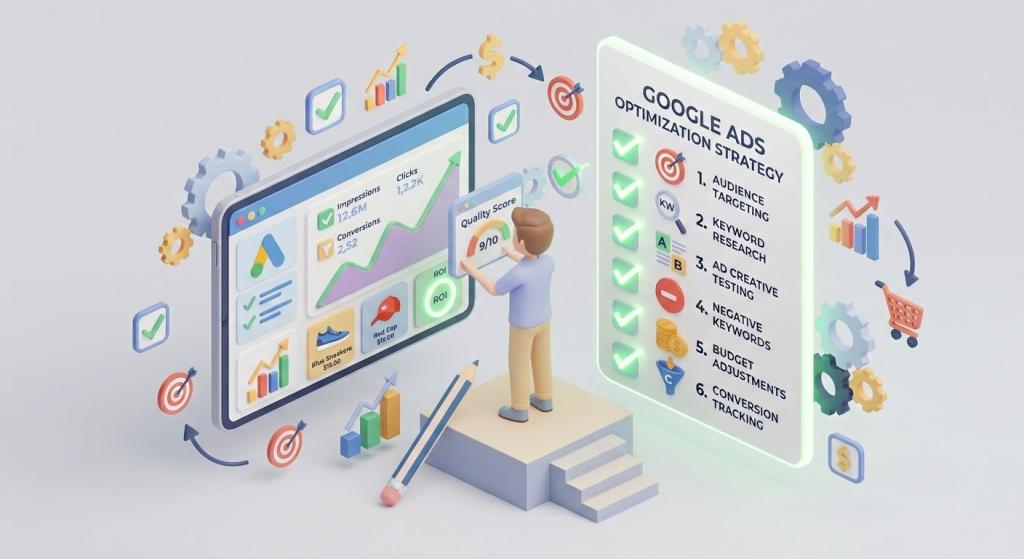
Did you know that Google gives every single keyword in your account a secret report card grade? This grade is called a Quality Score, and it ranges from 1 to 10.
When your Quality Score is high (like an 8, 9, or 10), Google rewards you by lowering the price you pay for each click and placing your ad higher on the page! Here are three easy ways to raise your Quality Score on your google ads optimization checklist:
- Match Words Carefully: Make sure the words in your search ad match the exact words on your website landing page.
- Write Clear Headlines: Create exciting ad titles that clearly explain how your product solves a customer’s problem.
- Speed Up Your Website: Ensure your website loads quickly on mobile phones so visitors do not get impatient and leave.
Connecting Optimization to Your Whole Growth Strategy
Managing online ads is just one piece of a big puzzle. To build a strong digital presence that lasts, your advertising checklist should connect smoothly with total search engine marketing for small business.
Search engine marketing blends natural, organic search results with paid search ads. When both sides work together, your brand gets twice as much attention from shoppers searching online!
Why Busy Owners Need PPC Management Support
As a business owner, your daily schedule is already full of work—taking phone calls, ordering supplies, serving customers, and leading your team. Running through a detailed google ads optimization checklist every single week can easily feel like a full-time job on its own!
That is why partnering with experts who specialize in PPC Management For Small Business is such a smart move. Professional managers handle all the technical tracking, keyword research, and bid testing for you, giving you total peace of mind while you run your store.
Bring Back Lost Shoppers with Remarketing
Even if your ads are perfectly optimized, most people do not buy something the very first second they visit a website. Many shoppers get distracted, put their phone down, or want to compare prices somewhere else before finishing checkout.
Including a strategy from a skilled google remarketing agency on your overall checklist fixes this issue! Remarketing gently displays friendly reminder ads to past site visitors while they browse other websites or watch videos online, guiding them right back to your page to finish their purchase.
- Step One: Optimized search ads draw brand-new visitors to your business site.
- Step Two: Your weekly google ads optimization checklist keeps click costs low and removes wasteful search terms.
- Step Three: Targeted remarketing ads follow up with interested shoppers until they become paying customers!
Step 3: Test New Ads and Measure Conversion Results
Another crucial item on your monthly checklist is testing your creative ad text. Never rely on just one ad headline! Instead, create two or three slightly different ad versions to see which one customers like best.
Always double-check that your conversion tracking tools are working correctly. Conversion tracking tells you exactly which keywords led to real phone calls, contact form signups, or online store sales. Without clear conversion tracking, you are driving with your eyes closed!
To learn more about how search advertising rules work and how systems protect user safety across the web, feel free to visit the official Google Ads Help Center.
Final Thoughts: Keep Your Ads Tuned Up for Success
Online advertising is not a set-it-and-forget-it project. Just like a race car needs regular oil changes and tire checks to stay in winning shape, your ad account requires consistent care. By following a clear, practical google ads optimization checklist, you can eliminate wasteful spending, raise your quality scores, and watch your business grow month after month!