
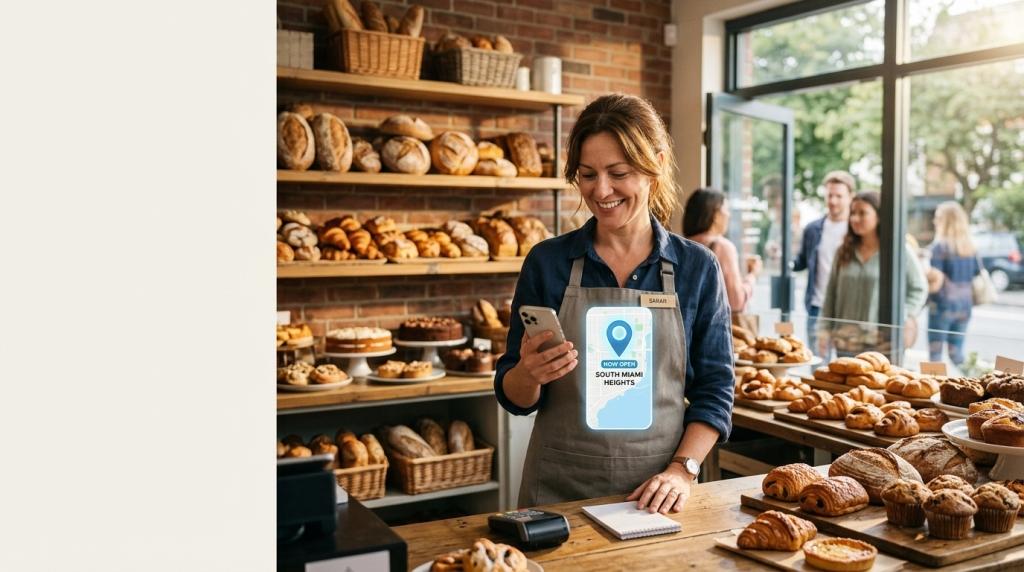
Google Ads for Small Local Business – Do you own a bakery, a plumbing company, or a hair salon? Then you know how important it is for people nearby to find you. Google Ads for small local business owners can put you in front of customers right when they search for what you sell. But Google made a lot of changes in 2026. Some changes are helpful. Others could cost you money if you don’t know about them.
In this guide, we’ll explain the biggest updates in plain words. We’ll also share simple steps you can take today. If you want a full step-by-step plan, check out our guide to Google Ads strategy for small business.
What Are Google Ads for Small Local Business?
Google Ads are paid ads that show up on Google Search, Google Maps, YouTube, and other places. You choose where your ads appear and how much you want to spend. When someone near you searches for “dentist near me” or “AC repair,” your ad can show up near the top of the page.
Local businesses usually pay in one of two ways:
- Pay per click: You pay each time someone clicks your ad. Most Search ads work this way.
- Pay per lead: You pay when a customer calls, messages, or books with you. This is how Local Services Ads work.
Both can work well. The best choice depends on your type of business and your budget.
How Much Do Google Ads Cost in 2026?
New 2026 numbers from WordStream show that the average cost per click across all industries is $5.42. The average cost per lead is $66.69. There is some good news, too. The cost per lead dropped about 5% from last year, even though clicks got about 3% more expensive.
Prices change a lot from one industry to another. Lawyers pay some of the highest prices. Restaurants and entertainment businesses usually pay much less. Local Services Ads cost about $63 per lead on average.
Tip: Don’t judge your ads only by cheap clicks. What matters most is how many real customers you get for your money.
Big Change #1: Local Services Ads Are Moving Into Google Ads
Local Services Ads are the ads you often see at the very top of local searches, with reviews and a call button. In the past, you managed them in their own separate dashboard. Now Google is moving them into the main Google Ads account.
The move started in August 2026 with home service businesses like plumbers, HVAC companies, electricians, roofers, and house cleaners. More businesses will move later in 2026 and through 2027.
What stays the same:
- Your ads still show on Google Search and Google Maps.
- You still pay per lead, not per click.
What changes:
- Weekly budgets become daily budgets.
- Manual bidding goes away.
- Your old reports will not move over, so download them before you switch.
- Google will let you know about 14 days before your account moves.
Here’s a nice bonus. Your Google Business Profile now syncs with your ads. If you add new photos or update your details, your ads update too.
Big Change #2: Missed Calls Can Now Cost You Money
This one is very important. Starting October 1, 2026, Google can charge you for a missed call from your Local Services Ads. This happens when someone calls during your business hours, nobody answers, and the caller stays on the line for more than 20 seconds.
Follow-up calls can also be charged in some cases. If a customer’s first call didn’t count as a paid lead, a later call between you and that customer might.
There is one small safety net. If your phone system asks callers to “press 1,” the 20-second timer only starts after they press a key. If they never press one, you won’t be charged.
What should you do?
- Make sure your business hours on Google are correct.
- Have a backup person or answering service for busy times.
- Check your call reports often.
Big Change #3: AI Max Is Now Turned On by Default
Google wants artificial intelligence (AI) to do more of the work. AI Max is a tool that helps your Search ads show up for more searches, even ones you didn’t pick as keywords. It can also help write your ad text.
Now, AI Max is turned on automatically when you build a new Search campaign. You can still turn it off if you want. Some older campaign settings were switched to AI Max in September 2026. An older ad type called Dynamic Search Ads will be moved over starting in February 2027.
Google says AI Max usually brings about 14% more conversions at a similar cost. Keep in mind that this number comes from Google’s own data. Small accounts often don’t have enough data for the AI to learn quickly. So watch your results closely, especially the list of searches that triggered your ads.
Big Change #4: AI Search Is Changing How People Find You
Google Search looks different now. Many searches show an AI answer at the top. On phones, these AI results often list fewer than three local businesses. That makes it harder to show up for free. Paid ads, however, still keep their handy call buttons.
Google’s AI can even call local businesses for shoppers to ask about prices and open times. It picks businesses that rank well in local search results.
Google is also bringing new ads into AI Mode. One is called Business Agent for Leads. It lets people chat with an AI about your business right inside the ad. For now, it’s only for a few industries, like car dealers, schools, and real estate. But it shows where things are heading.
This AI reads your website to answer questions. That means clear, up-to-date service pages matter more than ever.
Big Change #5: You Can Advertise on Google Maps
Lots of people use Google Maps to find places nearby. Now you can show ads on Google Maps through a campaign type called Demand Gen. You can even run campaigns that show only on Maps. This is great for shops, restaurants, and any business that wants more people walking through the door. You can learn more on Google’s official page about Google Maps in Demand Gen.
5 Simple Tips to Win With Google Ads in 2026
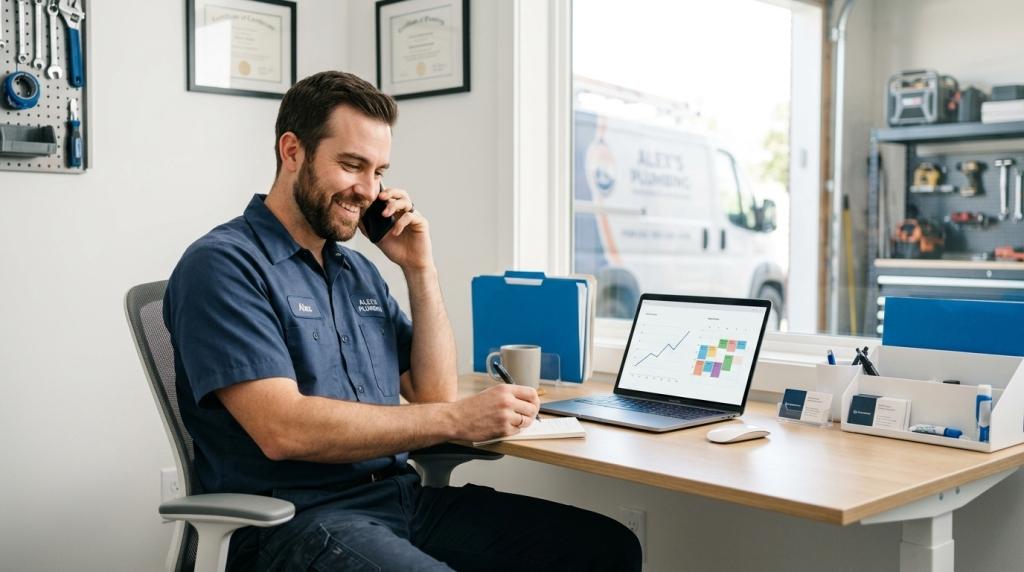
- Polish your Google Business Profile. Add photos, hours, and services. Ask happy customers for reviews. Google’s ads and AI both pull from your profile.
- Answer every call. With Local Services Ads, a missed call can now cost you money.
- Keep your website clear. Write a simple page for each service you offer and each area you serve.
- Track real results. Count booked jobs and sales, not just clicks.
- Get expert help. Google changes fast. A team that offers PPC management for small business can keep an eye on your ads so you don’t have to.
Do You Need Help With Google Ads?
Running ads takes time, and most owners would rather spend that time with customers. That’s where a trusted partner can help. Sheaf Media Group offers search engine marketing for small business owners who want to grow without the guesswork. We stay on top of Google’s updates, so your ads keep working as the rules change.
Final Thoughts
Google Ads for small local business owners is still one of the fastest ways to reach customers nearby. But 2026 brought big changes. Local Services Ads are moving, missed calls can cost money, and AI is playing a bigger role than ever. The good news? Businesses that stay informed, answer their phones, and keep their information up to date will be in the best spot to win.