
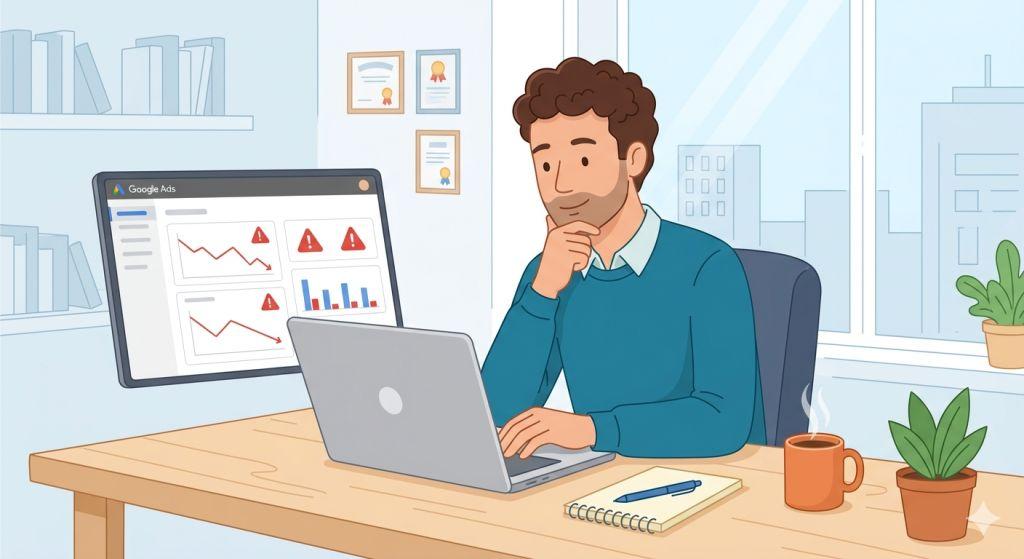
Google Ads Are Not Showing – You set up your Google Ads campaign. You picked your keywords, wrote your ad copy, set your budget, and hit publish. Then you searched Google for your own ad — and it wasn’t there. Sound familiar? If your Google Ads are not showing, don’t panic. This is one of the most common issues advertisers face, and in most cases, it has a clear and fixable cause.
In this guide, we’ll walk through every major reason your Google Ads might not be showing up, share the latest 2026 updates that could be affecting your campaigns, and give you a simple action plan to get your ads visible again.
Why You Might Not See Your Own Ad
Before diving into technical reasons, here’s something important to know: not seeing your own ad doesn’t always mean it’s not showing to anyone else. There are a few common situations where your ad is actually running just fine — you just happen to not see it.
Your budget has already been spent for the day. Google spreads your daily budget across the day, but if it runs out early, your ads stop showing until the next day.
Your location doesn’t match your targeting. If your campaign targets a specific city or region and you’re searching from outside that area, you won’t see the ad.
You’ve searched too many times. Google’s system may stop showing your ad to users who repeatedly search without clicking, including you. Use the Ad Preview Tool instead of live search to check your ads without affecting your data.
Your browser cache is outdated. Always check for ads using an incognito or private browser window to get a fresh, unbiased result.
The Real Reasons Google Ads Are Not Showing
If you’ve ruled out the above and your ads are still not showing, one or more of these deeper issues is likely the cause.
1. Your Campaign, Ad Group, or Ad Is Paused
This one sounds obvious, but it happens more often than you’d think — especially after account restructures, imports, or seasonal schedule changes. Log into Google Ads and check that your campaign, ad group, and individual ads all show a green “Enabled” status. If any one of them is paused, your ad will not show, no matter what else looks correct.
2. Your Ad Is Still Under Review
Every ad goes through a review process before it can go live. Most ads are reviewed within 24 to 48 hours. However, for brand new accounts or certain ad formats like images and video, it can take up to five business days. The great news is that in 2026, Google launched Real-Time Policy Reviews for Responsive Search Ads, which gives you instant feedback while you’re building your ad — cutting review times from hours down to seconds. If your ad shows a “Under Review” status, simply give it a little more time.
3. Your Ad Is Disapproved
A disapproved ad will not show at all. Google disapproves ads that violate its advertising policies, such as misleading claims, prohibited content, or destination pages that don’t work properly. In April 2026, a major platform issue caused Google’s automated review system to incorrectly disapprove thousands of ads — even for advertisers whose websites were running perfectly. The system was flagging DNS and server errors that didn’t actually exist. If your ads were suddenly and unexpectedly disapproved, check your Policy Manager for the exact reason, test your landing page from multiple devices and locations, and submit an appeal if the disapproval seems like an error.
4. Billing Problems or Account Issues
If there is a problem with your payment method — an expired card, a failed charge, or an incomplete billing setup — Google will stop running your ads. Your account may still look active on the surface, but delivery quietly stops behind the scenes. Always make sure your payment method is current and that there are no outstanding billing alerts in your account.
5. Your Bids Are Too Low to Win Auctions
Every time someone searches on Google, an instant auction takes place to decide which ads show up and in what order. If your bids are too low compared to your competitors, your ad simply won’t win a spot. This is especially common in competitive industries. You don’t always need to be the highest bidder, but your bid needs to be high enough to earn a position. Check your Search Impression Share report in Google Ads — if it’s very low, bidding may be your issue. If your budget is technically available but the ads still aren’t competing in auctions, the deeper problem may be that Google’s bidding system can’t find enough opportunities to spend it — which is exactly the scenario covered in our guide on Google Ads not spending.
6. Your Targeting Is Too Narrow
When too many targeting restrictions are stacked on top of each other — such as a very specific location, a narrow audience, strict device settings, and a tight ad schedule — the pool of eligible people to show your ad to can shrink to almost nothing. Each setting may look reasonable on its own, but together they can remove nearly all your potential traffic. Try broadening one targeting layer at a time and see if your impressions improve.
7. Your Keywords Have Low Search Volume
If the keywords you’re targeting are so specific that very few people actually search for them, your ads will have little to no opportunity to show. Google will label these keywords as “Low search volume” and may limit how often your ad is eligible to appear. Use Google’s Keyword Planner to check monthly search volumes and consider adding broader related keywords to your campaign.
8. Your Quality Score Is Hurting You
Google doesn’t just look at how much you bid — it also looks at the quality of your ad. Quality Score is a rating from 1 to 10 that measures how relevant your ad, keywords, and landing page are to what someone is searching for. A low Quality Score means Google thinks your ad is a poor match for users, so it shows it less often. Improve your Quality Score by making sure your ad copy closely matches your keywords, and that your landing page delivers exactly what the ad promises.
2026 Google Ads Changes That Affect Ad Visibility
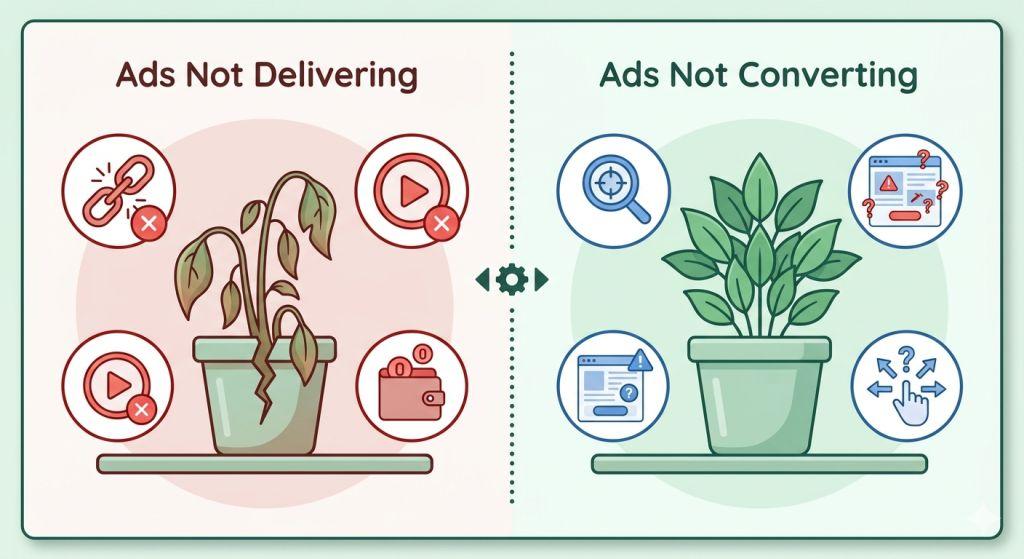
Google has made more changes to its advertising platform in the first half of 2026 than it did in all of 2024. Some of these changes directly affect whether and where your ads show up.
AI Max is now live. Google’s AI Max for Search campaigns has officially launched out of beta. It uses artificial intelligence to find relevant search queries you may never have thought to target, which can significantly increase your ad visibility — but only if it’s set up correctly.
Dynamic Search Ads are being retired. Starting September 2026, campaigns using Dynamic Search Ads will be automatically upgraded to AI Max. If you’re not prepared, this transition could temporarily disrupt your ad delivery. Upgrade proactively now to stay in control.
Call-Only Ads will stop showing. Call-Only Ads lost the ability to be created in February 2026 and will stop showing entirely in February 2027. If your campaigns rely on these, switch to Responsive Search Ads with call extensions as soon as possible.
Performance Max has new visibility controls. If your ads seem to be showing in the wrong places — or not at all in the right ones — the new channel-level reporting and negative keyword controls in Performance Max can help you steer your budget more effectively. Understanding exactly where your display ads can and can’t appear is crucial for troubleshooting these issues — our full guide on where Google Display Ads appear covers every placement across the Google network in detail.
Quick Checklist: Why Are My Google Ads Not Showing?
Run through these steps before changing anything else in your account:
- Check campaign, ad group, and ad status — all must be Enabled
- Use the Ad Preview Tool (not a live Google search) to check visibility
- Review the Policy Manager for any disapprovals or warnings
- Confirm billing is active and payment method is working
- Check your Search Impression Share — low numbers point to bid or budget issues
- Review keyword search volume in Keyword Planner
- Audit targeting settings — remove layers that may be over-restricting your reach
- Check your Quality Score and improve ad-to-keyword relevance
If your ads are passing most of these checks but impressions are still sitting at zero, the issue may be even more specific — our dedicated guide on Google Ads not getting impressions goes deeper into impression-specific causes, including Google’s new Limited Ad Serving policy introduced in June 2026 that can quietly throttle visibility even for well-set-up campaigns.
Still Not Showing? It Might Be Time for Expert Help
Google Ads is constantly evolving, and keeping up with every change while running a business is genuinely hard. If you’ve worked through the checklist above and your ads are still not showing, the problem may be deeper — rooted in account structure, auction competition, or a technical issue that needs a trained eye.
For small businesses especially, getting the right support early saves a lot of wasted ad spend. If you want to learn more about search engine marketing for small business, the right strategy from the start makes everything else easier — from visibility to conversions.
Having a professional team manage your PPC Management For Small Business means someone with deep platform knowledge is watching your campaigns daily, catching delivery issues before they cost you money, and staying ahead of Google’s constant updates.
And if your ads are showing but still not getting results, be sure to read our related guide on Google Ads not working — which covers the performance side of the equation in detail.
A Useful Tool to Bookmark Right Now
Google’s official Search Campaign Troubleshooting Guide in the Google Ads Help Center is one of the most up-to-date resources available. It walks you through the Ad Preview Tool, Diagnostic Insights, and Recommendation tools that Google itself recommends for figuring out why your ads aren’t serving. When something feels off with your campaigns, this is a great first stop.
The Bottom Line
Google Ads not showing is a frustrating experience — but it’s almost never random. There is always a reason, and there is always a fix. Whether it’s a paused campaign, a disapproved ad, a billing hiccup, or a bidding issue, working through the checklist methodically will get you to the answer faster than guessing.
With Google rolling out major changes throughout 2026 — from AI Max going live to the retirement of Dynamic Search Ads and Call-Only Ads — staying informed is more important than ever. The advertisers who keep up with these changes and adapt quickly are the ones whose ads keep showing, keep clicking, and keep converting. Take ten minutes today to run through the checklist. Small fixes often make a big difference — and your next customer could be searching for you right now.