
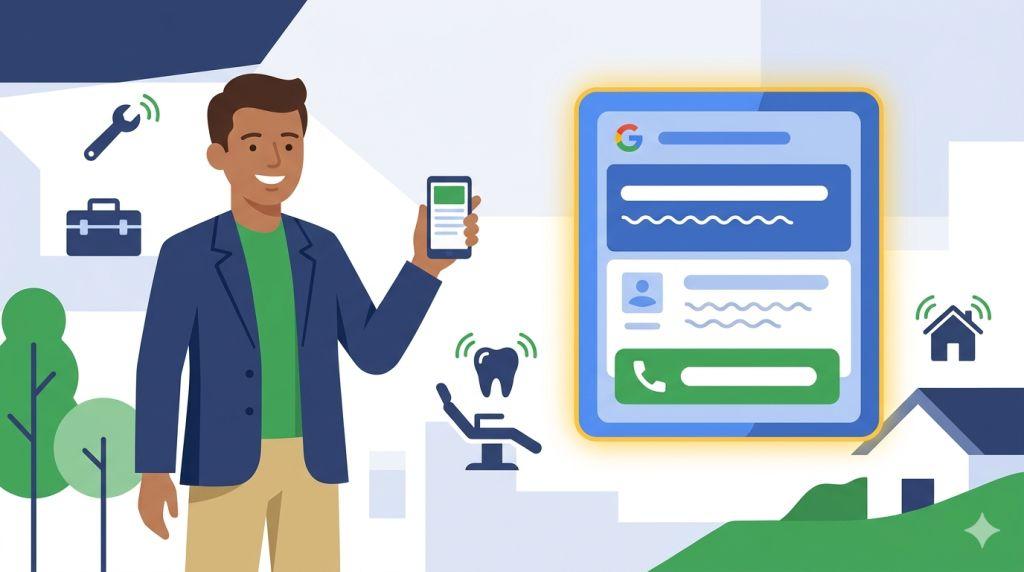
If customers usually call your business before they book, buy, or visit — this article is for you. Whether you run a plumbing company, a dental office, a law firm, or any other business where phone calls matter, getting people to dial your number directly from a Google ad is one of the most powerful things you can do.
And right now, the best way to do that is with responsive search ads with call assets. Let’s break it all down, step by step.
What Are Responsive Search Ads With Call Assets?
Let’s start with the basics. A responsive search ad is a Google ad where you write up to 15 headlines and 4 descriptions. Google’s system then mixes and matches them automatically to show the best combination for each person’s search.
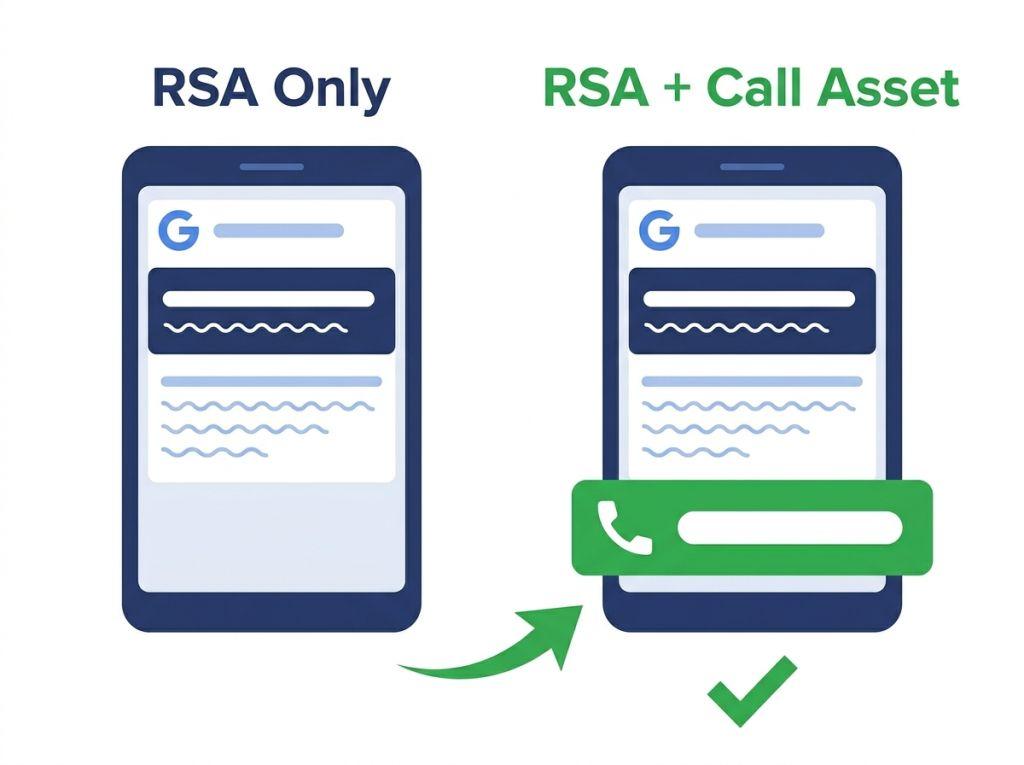
A call asset (sometimes called a call extension) is a feature you add to that ad which shows your phone number right below the ad text. On a smartphone, the number becomes a tap-to-call button — meaning a potential customer can call you with just one tap, without ever visiting your website.
Put them together, and you get responsive search ads with call assets — a powerful combination that lets your ad do two jobs at once: drive website visits and drive phone calls.
Sponsored
Emergency Plumber Available 24/7 | Licensed & Insured — Call Now
www.yourplumbingbusiness.com
Fast response, upfront pricing, and same-day service available. Don’t wait — our team is standing by.
📞 (305) 555-0192 › Call
See that phone number at the bottom? That’s a call asset in action. One click or tap, and the customer is talking to you directly.
Why Call Assets Matter More Than Ever in 2026
Here’s something important you need to know: Google officially retired call-only ads in early 2026. As of February 2026, advertisers can no longer create new call-only ads. And by February 2027, all existing call-only ads will stop showing entirely.
According to Google, the reason for this change is simple. Responsive search ads with call assets are more flexible, more powerful, and better for advertisers. Call-only ads could only do one thing — prompt a phone call. RSAs with call assets can do that and send people to your website, highlight your offers, and adapt to different searches automatically.
The good news? Making the switch is not as hard as it sounds. And the results are often better than what call-only ads ever delivered.
How Call Assets Work With Responsive Search Ads
Think of call assets like adding a bonus feature to your ad. Your RSA already has headlines and descriptions. When you add a call asset, Google has the option to show your phone number alongside that ad text — especially on mobile devices where people are most likely to call.
Here’s what makes this combination so effective:
- More ways to reach you: Some people prefer to call. Others prefer to visit your website first. With RSAs and call assets together, both types of customers are covered in the same ad.
- Mobile-friendly by default: On smartphones, call assets appear as a large, easy-to-tap call button. Google knows that most local searches happen on mobile, and this feature takes full advantage of that.
- Google’s AI optimizes everything: Just like Google tests different headline combinations, it also decides when to show the call button based on what’s most likely to lead to a conversion. If someone is searching late at night on their phone, Google is more likely to show the call option.
- You can track every call: Google Ads lets you set up call conversion tracking, so you can see exactly how many calls came from your ads, how long they lasted, and which campaigns drove the most phone leads.
Who Should Use Responsive Search Ads With Call Assets?
Not every business needs phone calls from ads — but many do. Here are the types of businesses that benefit the most from responsive search ads with call assets:
- Home service companies — plumbers, electricians, HVAC, roofers, pest control
- Medical and dental offices — where patients prefer to call to book an appointment
- Legal and financial services — where clients want to speak with someone before committing
- Auto repair and towing — where urgency drives phone calls
- Real estate agents — where a quick conversation can qualify a buyer or seller fast
- Restaurants and catering — especially for reservations and large event inquiries
Basically, if a phone call is how your business turns a stranger into a customer, call assets should be part of your Google Ads strategy right now. To see what the headline and description side of these ads looks like in practice — with real examples for plumbers, dentists, and other businesses that depend on phone calls — check out our responsive search ads examples article.
How to Set Up Call Assets the Right Way
Setting up call assets in Google Ads is a straightforward process. Here’s a simple overview of how it works:
Step 1: Go to Your Assets in Google Ads
Inside your Google Ads account, navigate to the “Assets” section (previously called “Extensions”). Click the blue “+” button and choose “Call asset” from the list.
Step 2: Enter Your Phone Number
Type in the phone number you want customers to call. Make sure it’s a number someone actually answers during business hours. Google also lets you set a call schedule — so the phone number only shows up during the hours you’re available to take calls. This prevents wasted clicks from people calling at midnight when no one picks up.
Step 3: Turn on Call Reporting
Enable call reporting so Google can track calls as conversions. This lets you see which ads and keywords are actually bringing in phone calls — not just clicks. This data is incredibly valuable for improving your campaigns over time.
Step 4: Connect It to Your RSA Campaign
Apply the call asset at the account, campaign, or ad group level. Your RSA headlines and descriptions stay exactly as they are — the call asset simply gives Google one more tool to help convert searchers into real customers.
Writing RSA Headlines That Support Phone Call Goals
When your goal is phone calls, your RSA headlines should reflect that. Here are some examples of call-focused headlines you can mix into your asset pool:
- “Call Us Now — We Answer 24/7”
- “Speak With an Expert Today”
- “Free Phone Consultation Available”
- “Questions? We’re One Call Away”
- “Same-Day Service — Call to Book”
- “Get a Free Quote Over the Phone”
Mix these with your other headlines about your services, location, and trust signals. Google’s system will figure out when to show call-focused messages versus website-focused messages — based on the person’s device, search behavior, and time of day. For tips on writing every other type of headline — from benefit-focused to location-specific — our guide on how to write effective Google Ads covers the full process from start to finish. And for a complete list of the rules that govern RSA structure — including how many headlines to write and when pinning is appropriate — our responsive search ads best practices guide has everything you need.
How This Fits Into Your Bigger Marketing Picture
Responsive search ads with call assets are one piece of a bigger puzzle. To get the best results, they need to work alongside a well-organized campaign structure, smart bidding, and the right keywords. That’s what a complete search engine marketing for small business strategy looks like in action.
For most small business owners, this is where having professional help makes a big difference. A specialist in PPC management for small business will not only set up your call assets correctly — they’ll monitor call data, test different headlines, adjust your schedule, and make sure every dollar you spend is working as hard as possible to bring in real phone calls from real customers.
If you want to dig deeper into how Google’s call assets work, Google’s own Call Assets Help Center page is a great resource with step-by-step setup instructions straight from Google.
Quick Recap: Responsive Search Ads With Call Assets Checklist
- Build your RSA with up to 15 headlines and 4 descriptions
- Include at least 2–3 call-focused headlines in your asset pool
- Add a call asset with your business phone number
- Set a call schedule that matches your real business hours
- Turn on call reporting to track phone call conversions
- Apply call assets at the account, campaign, or ad group level
- Monitor call data regularly and adjust headlines based on performance
- Make sure someone actually answers the phone when the calls come in!
The Bottom Line
For any business where phone calls are important, responsive search ads with call assets are no longer optional — they’re the new standard. With call-only ads gone and Google’s AI getting smarter every day, this combination gives you more reach, more flexibility, and more ways to connect with customers who are ready to pick up the phone.
The setup is simple, the results are real, and the window to act is now. If you haven’t added call assets to your responsive search ads yet, today is the day to start.
Want More Phone Calls From Your Google Ads?
We help small businesses set up and manage responsive search ads with call assets — so your phone rings more often with the right customers.
Visit Sheaf Media Group’s PPC Management for Small Business and let’s build a campaign that drives real calls — starting today.